Anydesk
AnyDesk, a fast remote access to computers

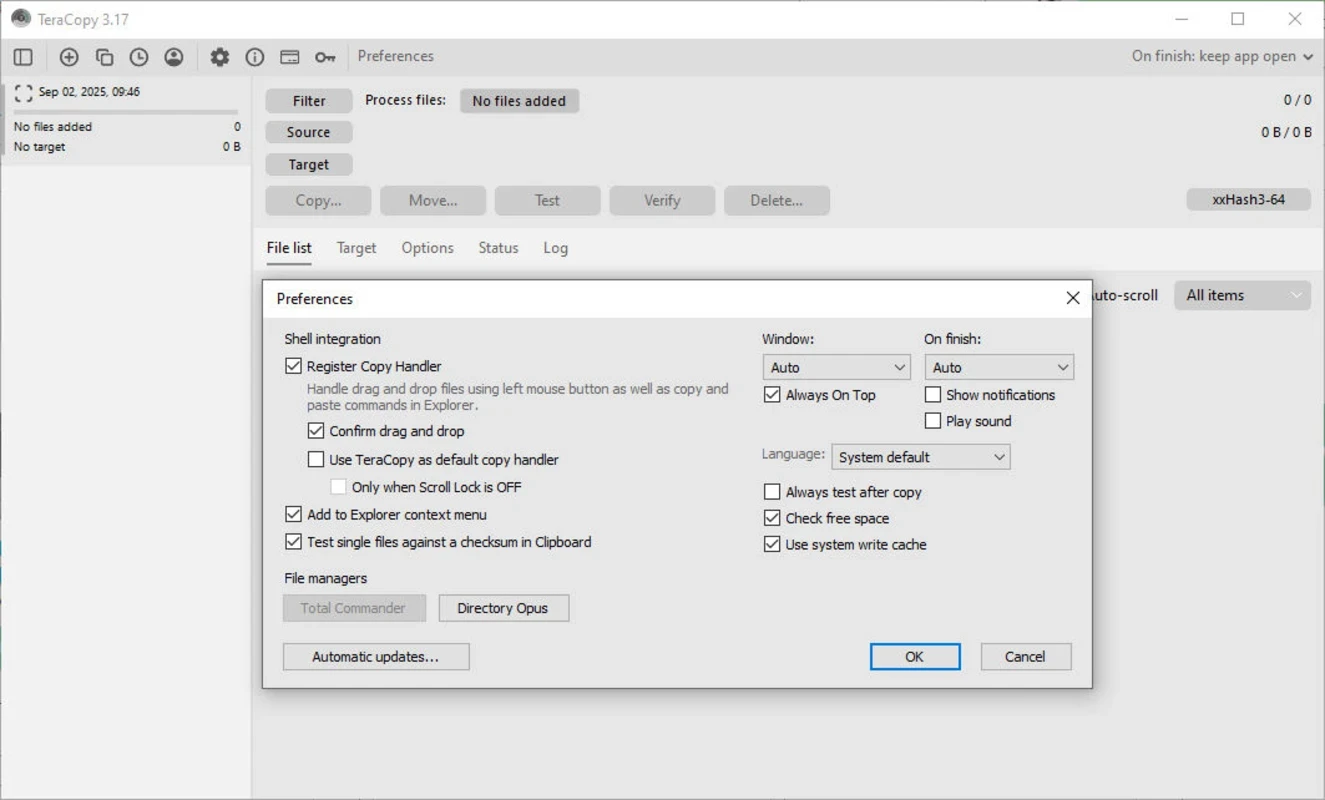
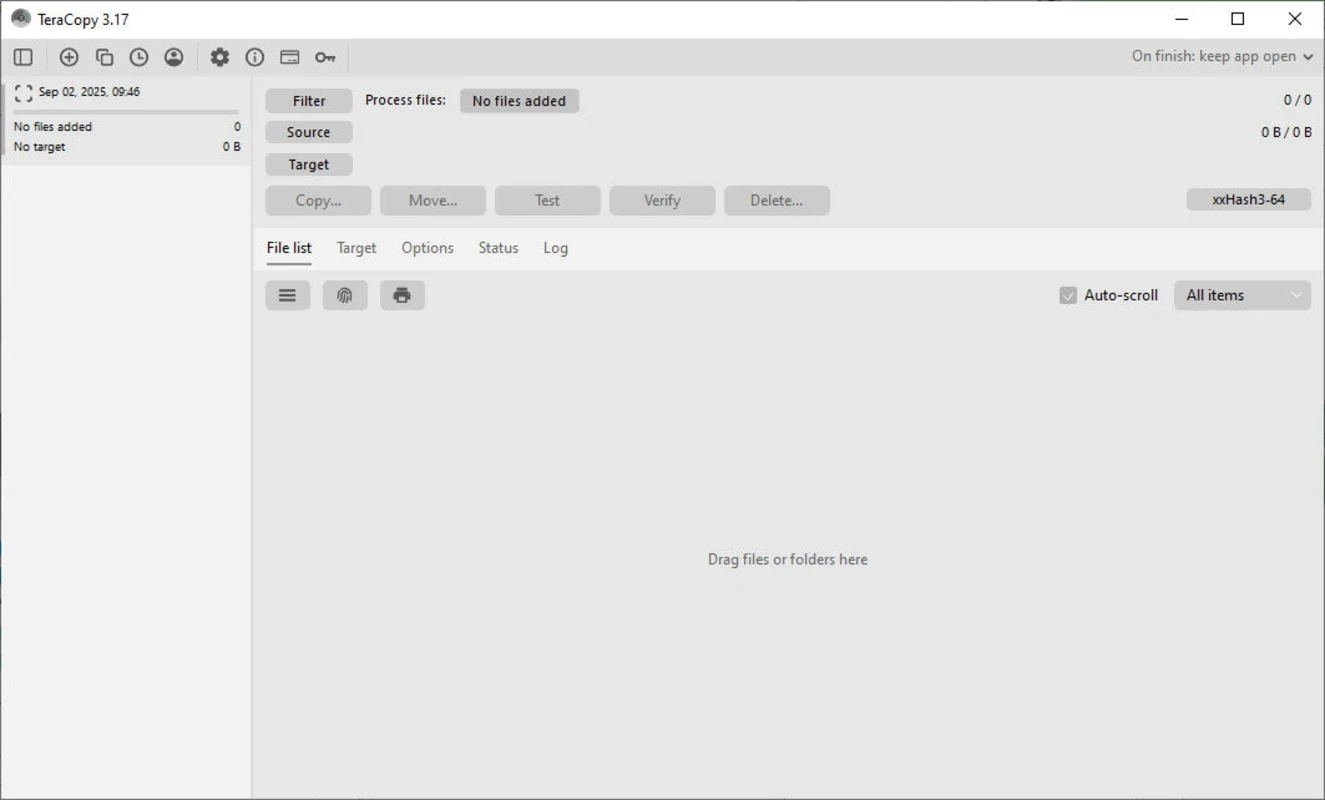
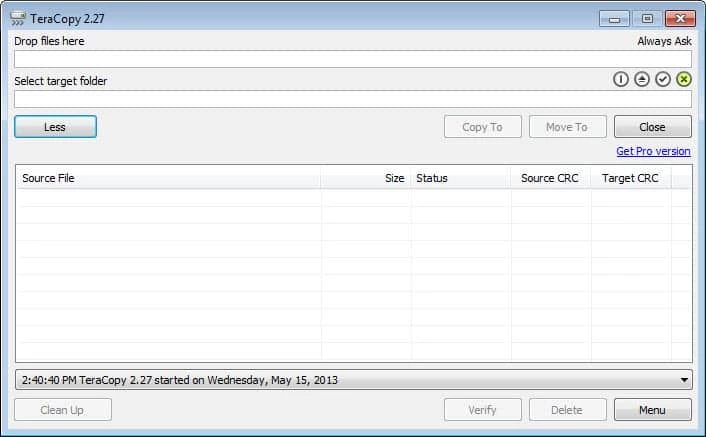
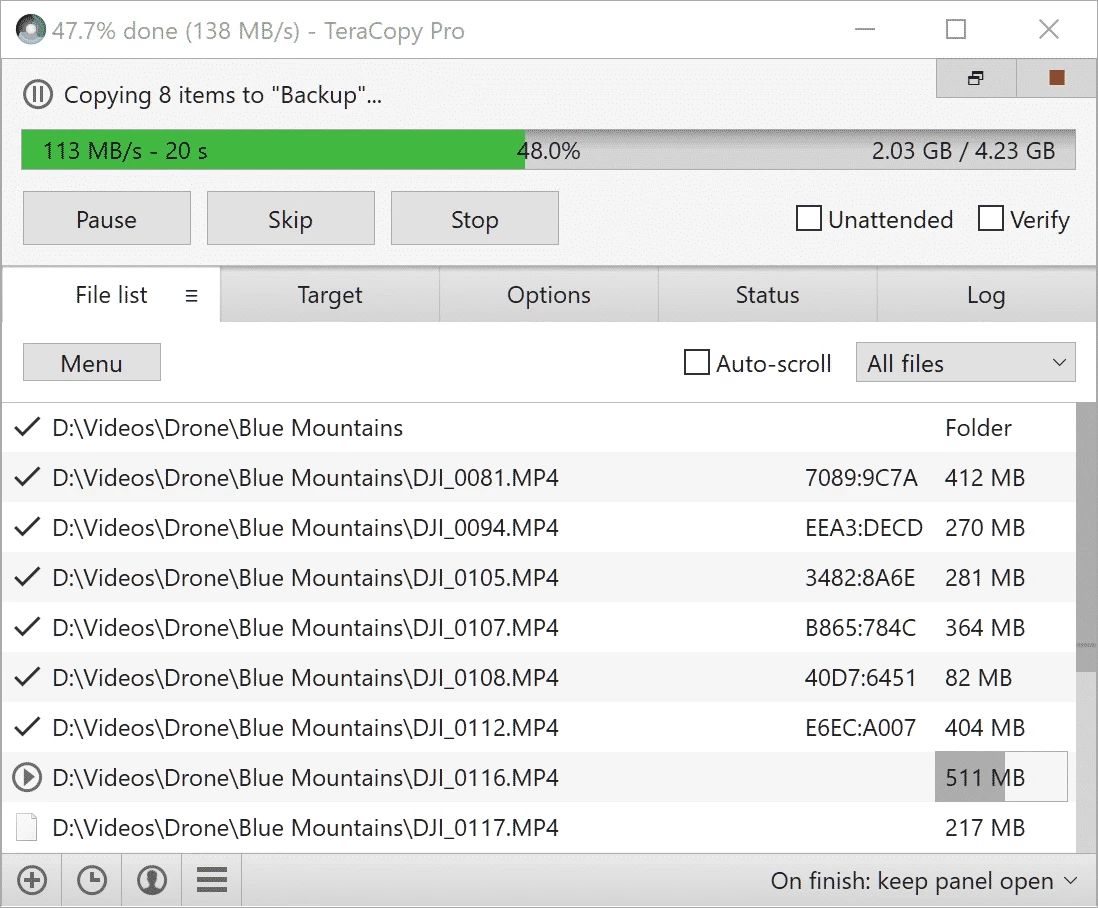
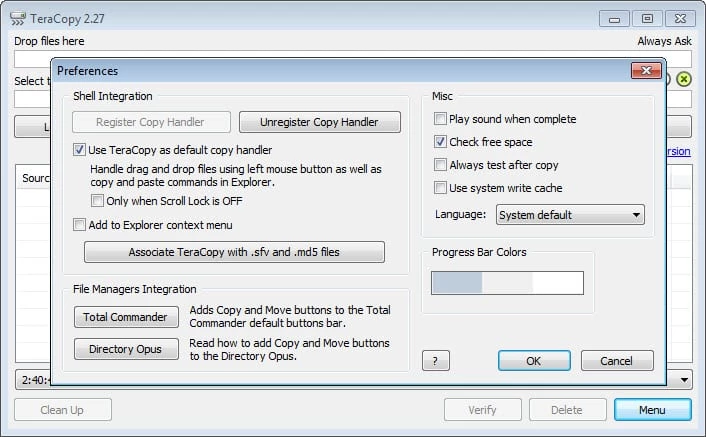
TeraCopy is a comprehensive file transfer tool that offers an efficient and fast process of copying and moving files while focusing on data integrity. It is open-source and free software equipped with all important capabilities, including copy, transfer, pause, resume, and error fixing of errors.
No doubt, on the Windows operating system, the file transferring process is tedious and slow, and users have to face multiple problems. So, you can use TeraCopy as the best alternative to the Windows default file-sharing software, and enable users to manage their transfer of files more reliably.
TeraCopy is open-source and freemium file transfer software developed by Code Sector is one of the best solutions compared to the built-in utility. You can use it as an exclusive application or with Windows Explorer integration. It also supports Unicode to make the file transfer process full-fledged.
The app, with a user-friendly interface, offers awesome capabilities for automating, queuing, and verifying the file transfer quickly and accurately. It proves to be the best choice for both professional and novice users while offering free and premium versions. It offers robust file transfer while saving your time and energy.
The user-friendly interface is simple to use while offering full control over your file transfer. You need to select a file or folder to copy, and also select the directory where you want to copy it. You will “Options” tab to manage your transfer of files. It has multiple options, including Copy, Move, Test, Verify, Delete, and so on. You can right-click the file and select the targeted folder to select any option, such as move, test, or copy.
We know the copy, move, and delete functions; however, clicking the ‘Test’ option to detect the corrupt files, and the ‘Verify’ option will confirm the accuracy. However, you have to complete the process while using the file conflict management option, which is available under ‘Transfer option’. You can configure the program to manage all processes automatically.
The app offers seamless file transfer for your ease in handling the disruptions, as well as monitoring the system resources. It offers pause and resume features to manage your transferring process more reliably, instead of starting from scratch, as it will allow you to continue from the point where you have left off.
In this way, you can save your time and energy, and also avoid the frustration while using the error recovery system. It helps to detect the transfer errors and find recovery, and in case of not finding the error, the transfer process can be abandoned.
The software offers a free version with limited features that you can use for personal use. But, you have to move to the PRO version if you want advanced functionality for multiple work processes, as the PRO version supports HTML and CSV formats to export the reports with transfer results. The good news is that you have to pay one time and get a lifetime license.
The app offers checksum calculations for file integrity verification that allow you to match the copied files with the original ones. It ensures the safety of your critical files while allowing users to verify that your file transfer will remain intact. It is also integrated into the context menu of Windows Explorer for changing the file copy and move functions to the tool’s optimized system.
The software is capable of handling locked files, regardless of they are in use or locked by other processes, as it offers a Windows Service and Volume Shadow Copy, which is used for stopping standard Windows copy operations. In addition, the integration with Shell enables users to change the default copy and move functions in Explorer.
It is a simple and quick way to transfer files, and boosts the performance with the help of multiple innovative features that aren’t available in the built-in utility. You can use the batch transfer feature to transfer files in a queue to save your time and energy while avoiding manual one-by-one transfer. So, you can manage file transfer, including file copy and move operations, more reliably, even for larger files.
The program is compatible with multiple modern digital devices, including Windows, macOS, iOS, and Android. It offers drag-and-drop and multi-lingual functionality for your ease in importing files quickly. However, the app doesn’t support FTP protocol.
Pros
Cons

AnyDesk, a fast remote access to computers

Accelerated Downloading with Internet Download Manager (IDM)

SHAREit for PC is the best option for a P2P file-sharing process without using Wi-Fi.

ShareMe for PC, a freeware and streamlined file-sharing app

uTorrent, a powerful, lightweight, and fastest P2P file-sharing software

Xender for PC, an effective and convenient file transfer utility